No account. Your records stay with you.
There is nothing to sign up for. Records are stored on your iPhone and iPad, and with Pro they sync through your family's own iCloud. One tap saves a backup file you can keep anywhere.
 For homeschooling families in the US
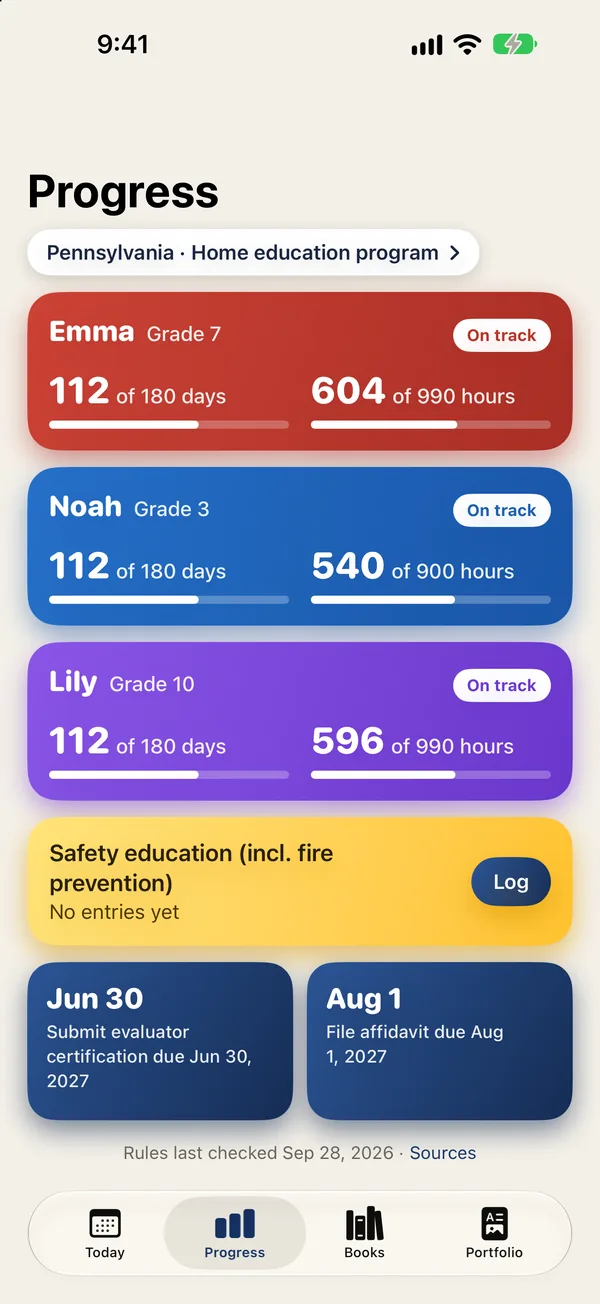
Log days, hours, subjects and books for each child in a few taps. Kitchen Table shows your state's requirements next to your progress, and each rule links to the public source it came from.
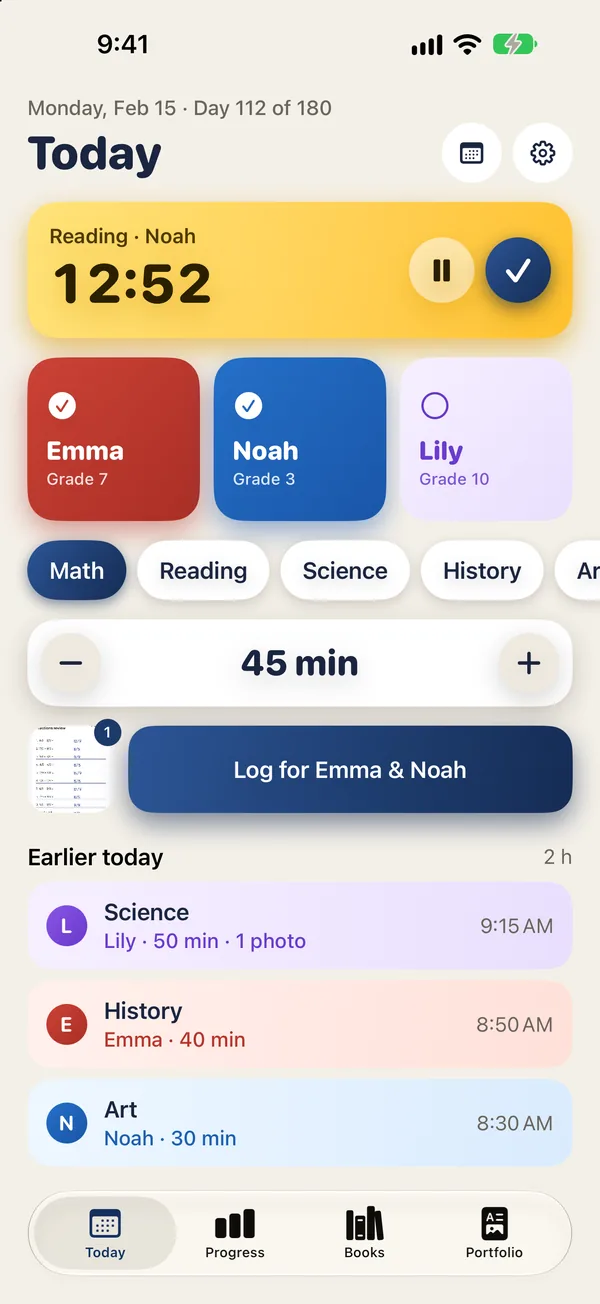
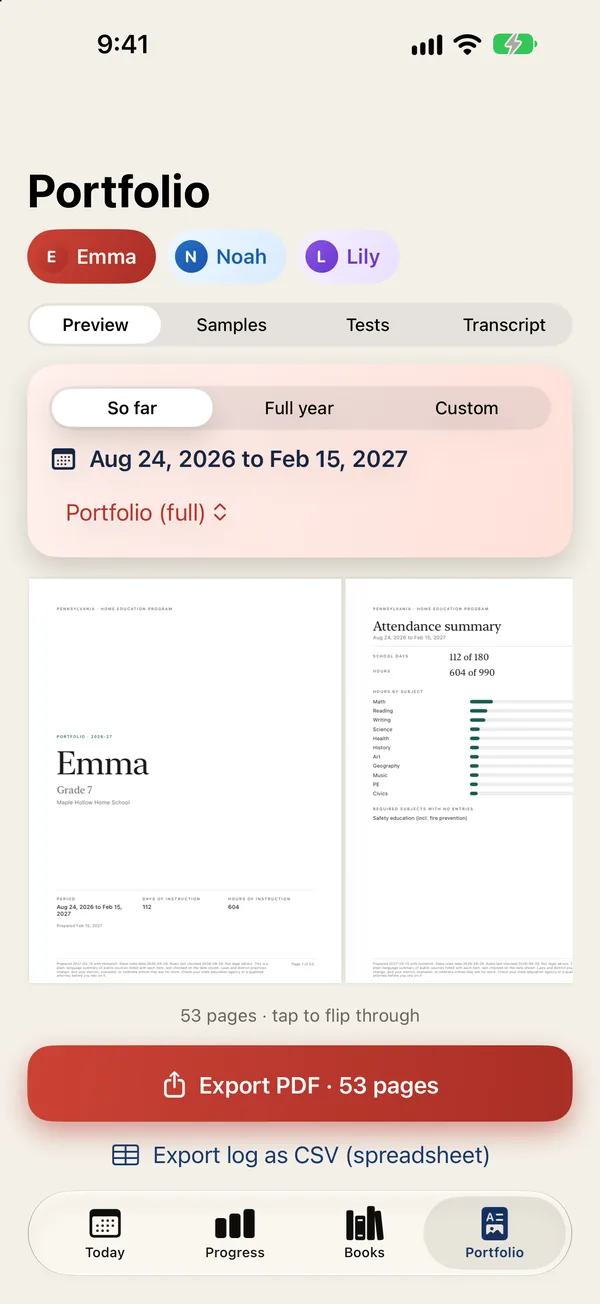
Tap a child, pick a subject, log the minutes. The rest of the year's paperwork builds itself from those entries.
There is nothing to sign up for. Records are stored on your iPhone and iPad, and with Pro they sync through your family's own iCloud. One tap saves a backup file you can keep anywhere.
Days, hours, required subjects and filing dates for all 50 states and DC. Every rule shows the public source it comes from and the date it was last checked, so you can read the original yourself.
Log for every child at no cost. Pay once, or yearly, for the evaluator portfolio, the high school transcript and iCloud sync.
Every plan covers all your children. Pro is shared with your family through Apple Family Sharing.
For as long as you like
Cancel anytime in Settings
One purchase, no renewal
Prices in US dollars. Purchases are handled by Apple and can be restored on any device signed in to the same Apple Account.
No. Kitchen Table shows each state's published homeschool requirements with a link to the public source and the date it was last checked. It is a record-keeping tool. When you're unsure how a rule applies to your family, read the source and check with your state or school district.
On your own devices. Kitchen Table has no account and no server that stores your records. With Pro, records sync through your own private iCloud, which the developer cannot see. You can save a backup file or delete everything from Settings at any time. Read the privacy policy.
Yes. If you share an Apple Account, turn on iCloud sync and your records appear on every iPhone and iPad signed in to it. If the other parent has their own Apple Account, send them a backup file from Settings and they open it in Kitchen Table. With Apple Family Sharing, one Pro purchase covers you both. See Support for the steps.
Kitchen Table checks for an updated public rules file once a day and uses it only when it carries our signature. The app tells you what changed and shows the new source and check date. Your logged days and hours are never changed. If you move, switch states in Settings › State rules and keep your history.
Free on iPhone and iPad. No account needed.
Download on theApp Store